

Mobile App Testing in Jira
Manage test cases for iOS, Android, and cross-platform mobile applications
Mobile app testing requires verification across devices, OS versions, and screen sizes. BesTest helps you organize and track mobile testing in Jira - so every device-platform combination is accounted for and nothing falls through the cracks.
Try BesTest FreeThe Challenge
Mobile testing has unique complexity from ecosystem fragmentation:
- •Supporting iOS and Android with different behaviors, guidelines, and user expectations
- •Managing a device and OS version matrix that grows with every release
- •Handling different screen sizes that break layouts and hide UI elements
- •Meeting both Apple App Store and Google Play compliance requirements
How BesTest Helps
BesTest supports mobile testing workflows in Jira with platform-aware tagging, device tracking, and cross-platform coverage visibility.
Platform Tags
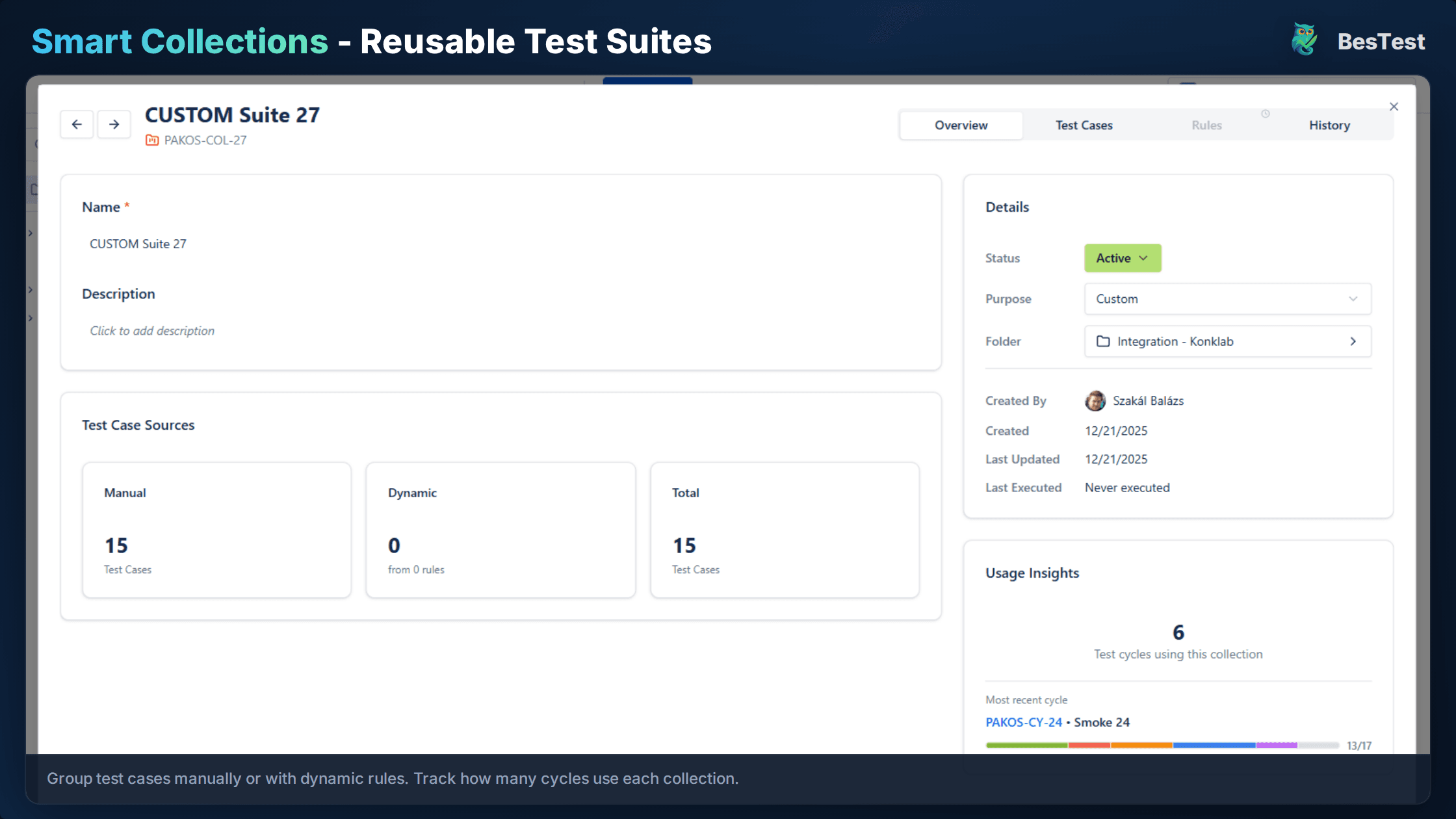
Tag tests by platform (iOS, Android, Both) and filter Smart Collections accordingly. Switch between platform-specific and cross-platform views instantly.
Device Matrix
Record the specific device model and OS version for each test execution. Build a cumulative matrix showing which combinations are covered vs. untested.
Cross-Platform Traceability
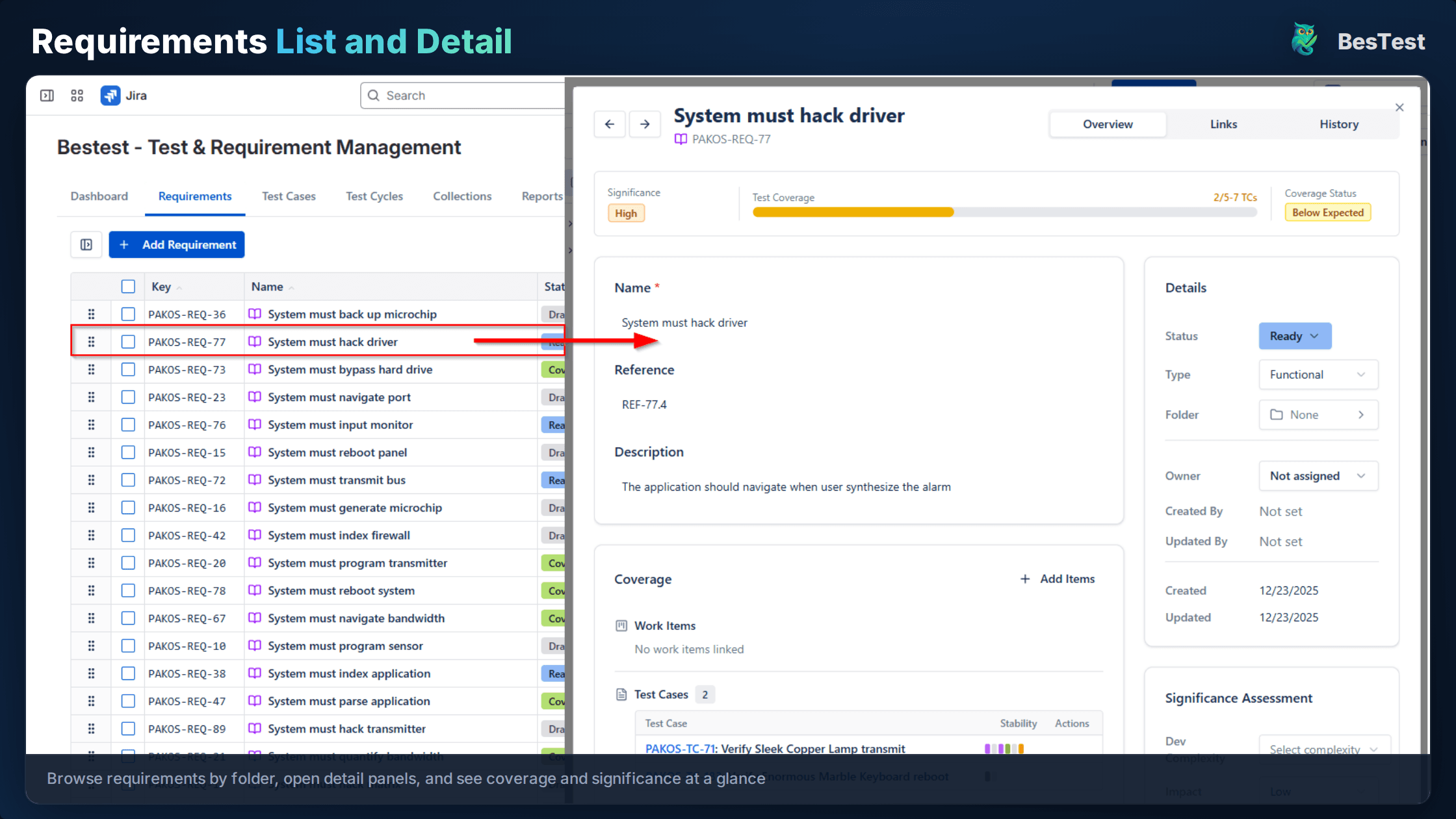
See requirement coverage per platform in the traceability matrix. Catch cases where a requirement was only validated on one platform.
Screenshot Documentation
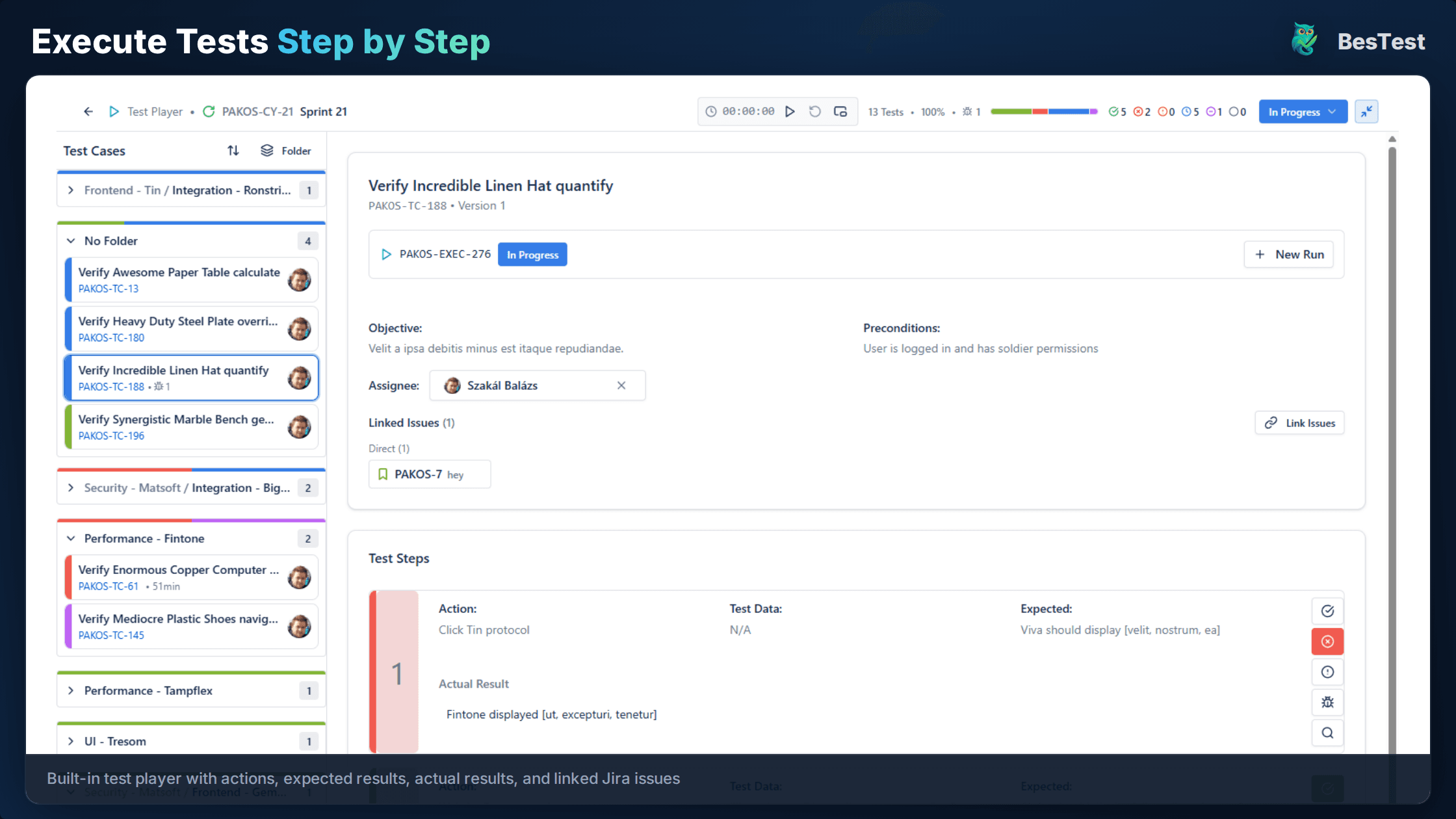
Link Jira issues to test results for visual verification. Attach device photos to linked issues for platform-specific display evidence.
Organized by Feature
Structure tests by feature across platforms or by platform with feature subfolders. Choose the hierarchy that matches your team's workflow.
Gesture and Interaction Documentation
Document platform-specific gestures and touch interactions within test steps - swipe directions, long-press behaviors, and multi-touch actions.
Free for teams up to 10 users. Installs in under a minute.
Get StartedKey Benefits
How to Implement
Define Device Matrix
Document supported devices and OS versions in BesTest. Use production analytics to prioritize the most popular device-OS combinations among your users.
Create Platform-Tagged Tests
Write test cases and tag each with iOS, Android, or Both. Document device-specific preconditions like "requires Face ID enabled" or "requires Android 12+".
Organize Test Structure
Create folders in BesTest reflecting your workflow - /Mobile/iOS, /Mobile/Android, or feature-first with platform subfolders. Be consistent across the repository.
Execute Across Devices
Run test cycles on each device-OS combination. Log the specific device model and OS version used. Link Jira issues with screenshots for visual verifications.
Track Platform Coverage
Use BesTest's requirements coverage view filtered by platform tags. After each cycle, review coverage data to identify platform-specific gaps.
Best Practices
- •Test on real devices for final verification - emulators miss hardware-specific issues
- •Document OS version and device model in every test execution result
- •Create separate tests for platform-specific features like widgets and navigation
- •Include installation and upgrade path testing in scope for every release
- •Test on both the oldest and newest supported OS versions as a minimum
Ready to Improve Your Mobile App Testing?
Start running Mobile App Testing cycles in Jira today. Free for up to 10 users.
Try BesTest FreeRelated Use Cases
User Acceptance Testing (UAT) in Jira
Validate that the software meets business requirements with stakeholder-driven testing
API Testing Management in Jira
Organize, execute, and track API test cases alongside your functional tests
Smoke Testing in Jira
Quick sanity checks to verify critical functionality after deployments