Mobile App Testing in Jira
Manage test cases for iOS, Android, and cross-platform mobile applications
Mobile app testing requires testing across devices, OS versions, and screen sizes, creating a combinatorial explosion that can overwhelm even experienced QA teams. Imagine you are about to release a banking app update, and your support matrix includes iPhones from the SE to the 15 Pro Max, iPads, Android phones from Samsung, Google, and OnePlus, and Android tablets. Each device runs a different OS version, has a different screen size, and may handle gestures, notifications, and background processes differently. A bug that only appears on Android 13 with a particular screen density could cost you a one-star review and a flood of support tickets. BesTest helps you organize and track mobile testing in Jira so that every device-platform combination is accounted for and nothing falls through the cracks.
The Challenge
Mobile testing has unique complexity that goes far beyond simply running the same tests on a phone instead of a desktop browser. The fragmentation of the mobile ecosystem means that a feature working perfectly on one device can fail completely on another, and the root cause might be anything from a difference in OS behavior to a hardware-specific rendering issue. Teams building mobile applications consistently struggle with these challenges:
- •Supporting multiple platforms (iOS and Android) that have different design guidelines, different system behaviors, and different user expectations, often requiring platform-specific test cases even for features that look identical on both.
- •Managing a device and OS version matrix that grows with every new phone release and OS update. Deciding which combinations to test is a risk-based decision that requires input from analytics data, business priorities, and support ticket trends.
- •Handling different screen sizes, resolutions, and aspect ratios that can break layouts, truncate text, hide buttons behind soft keyboards, or cause scrolling issues that are invisible on standard test devices.
- •Accounting for platform-specific behaviors like push notification handling, background app refresh, deep linking, biometric authentication, and permission dialogs that each platform implements differently.
- •Meeting app store compliance requirements for both the Apple App Store and Google Play, which have their own review criteria, content policies, and performance standards that must be validated before submission.
- •Testing device-specific hardware interactions like camera access, GPS, NFC, and Bluetooth that cannot be fully verified through emulators and require physical device access.
- •Managing the logistics of a physical device lab, including keeping devices charged, updated, and available for testers when they need them, without letting devices sit idle when they could be in use.
- •Reproducing and documenting device-specific defects with enough detail that developers can understand the issue without having the exact device in their hands.
How BesTest Helps
BesTest supports mobile testing workflows with platform-aware features that help your team manage the inherent complexity of multi-device, multi-platform testing. Rather than maintaining separate test repositories or spreadsheets for iOS and Android, BesTest lets you organize all mobile tests in a unified structure with platform tags and device-specific metadata. This means your team gets a single source of truth for mobile quality while still being able to slice and dice the data by platform, OS version, or device category when they need a focused view.
Platform Tags
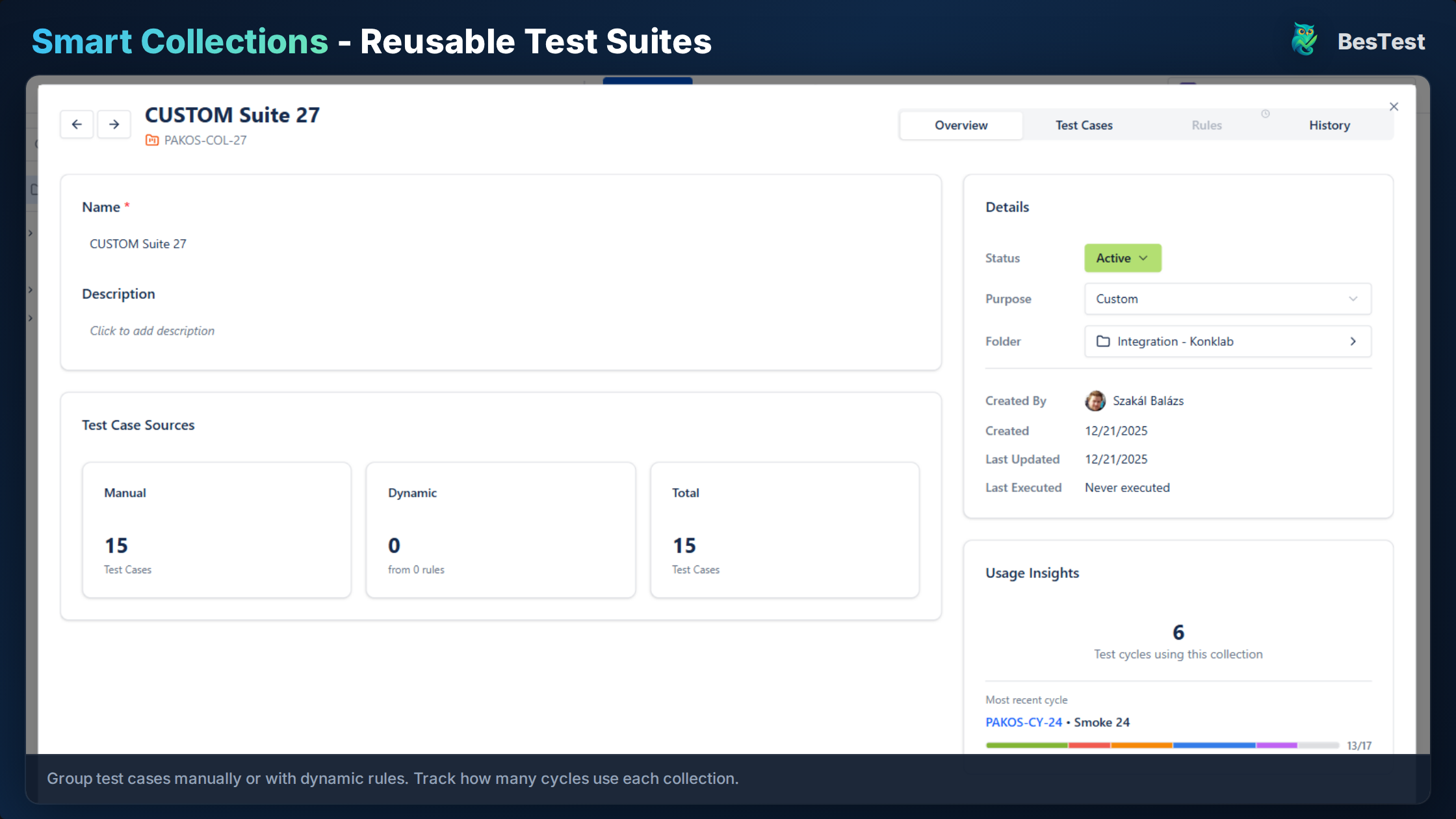
Tag tests by platform (iOS, Android, Both) and filter Smart Collections by platform to create targeted test suites. When you need to run an iOS-only release verification, a single tag filter gives you exactly the tests you need. When you need a cross-platform view, remove the filter and see everything. This tagging approach scales effortlessly as your platform support evolves.
Device Matrix
Document device and OS requirements in test case preconditions, and track which combinations have been tested in each cycle. BesTest lets you record the specific device model and OS version used for each test execution, building a cumulative matrix over time that shows which combinations are well-covered and which have gaps. This data-driven approach replaces the guesswork of "did we test on Samsung devices?" with concrete evidence.
Cross-Platform Traceability
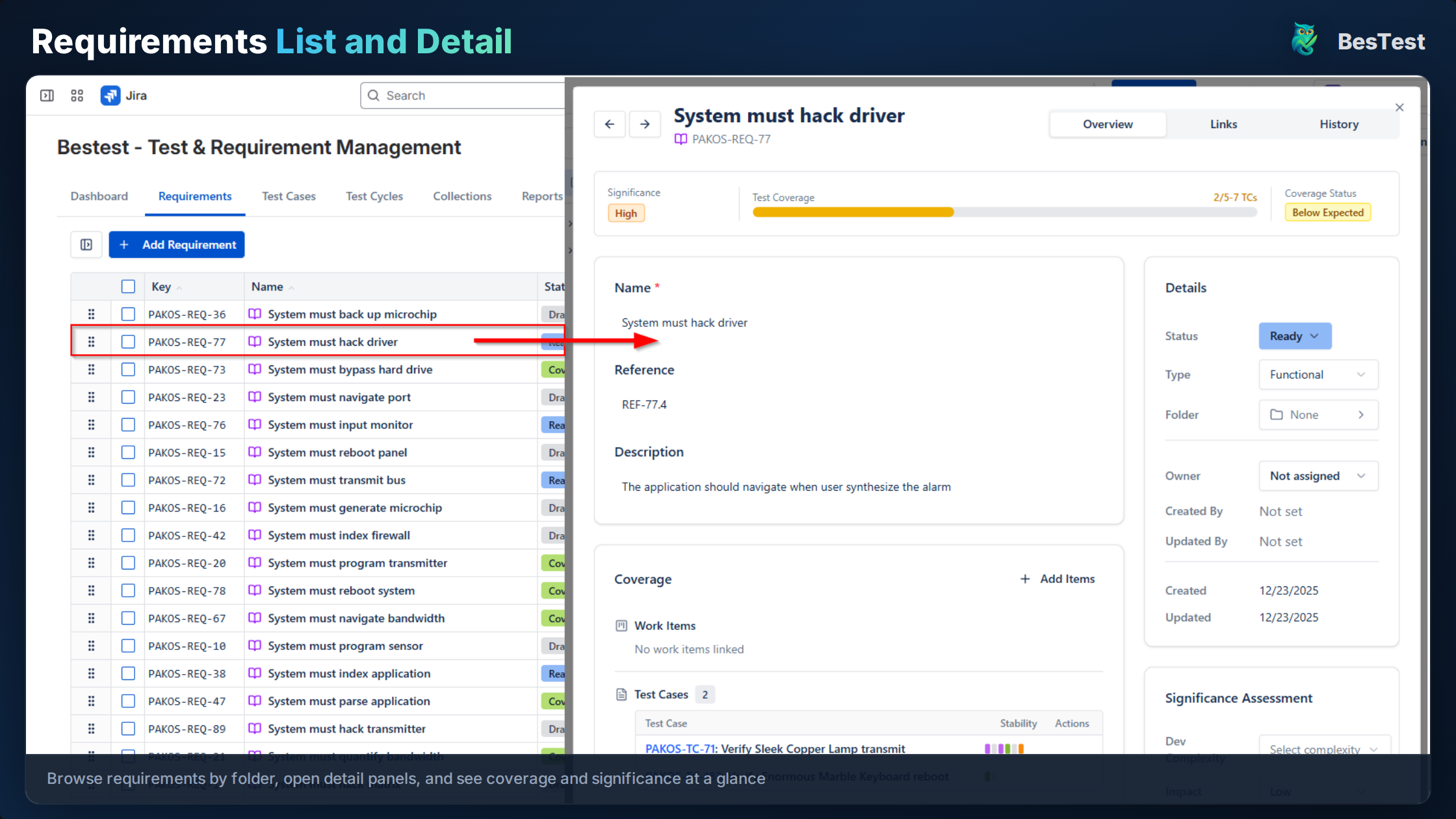
Link tests to requirements and see coverage per platform through the traceability matrix. This is critical for mobile because a requirement like "user can complete checkout" needs to be validated on both iOS and Android, and without platform-level traceability, it is easy to assume a requirement is covered when it has only been tested on one platform.
Screenshot Documentation
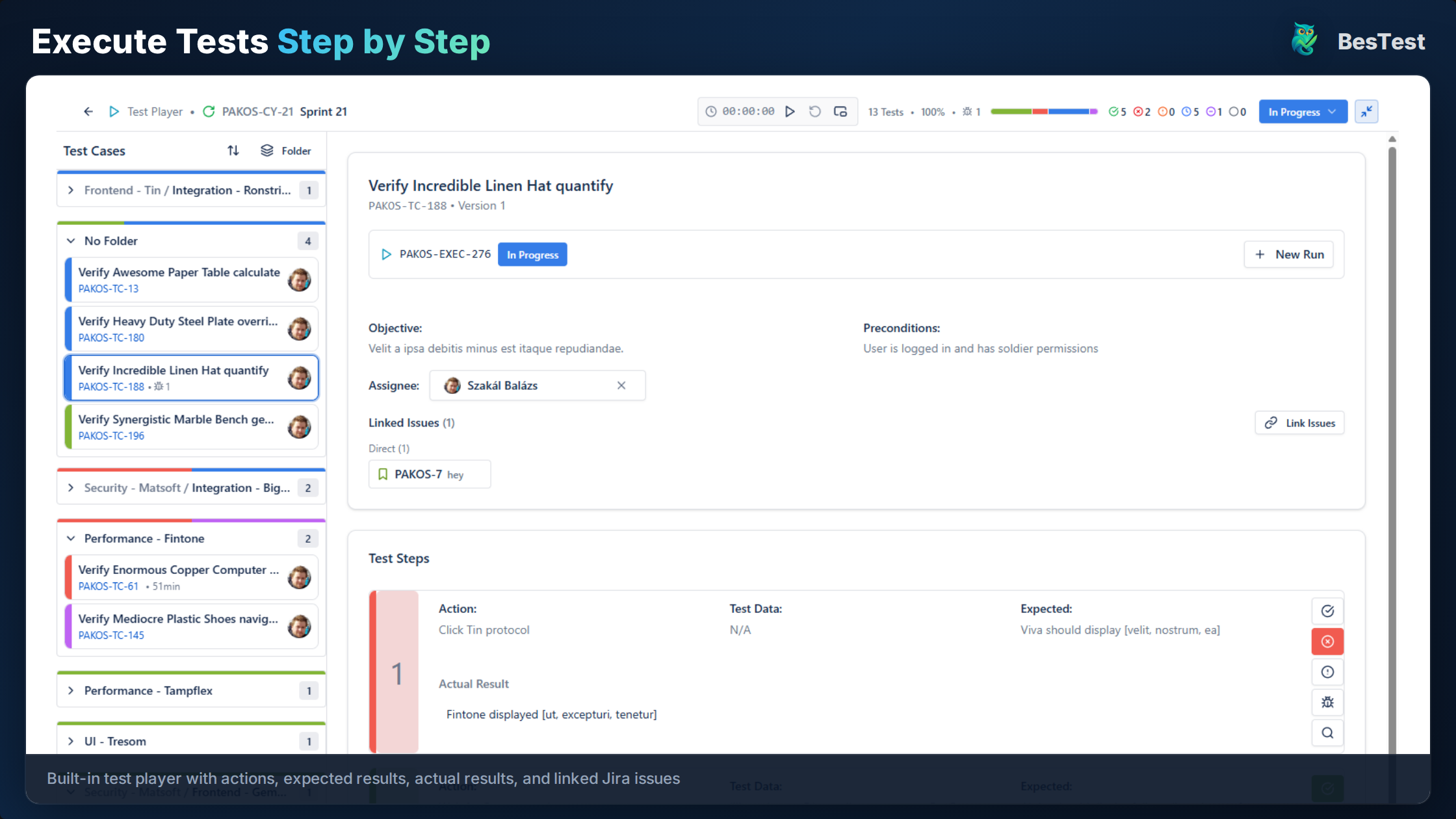
Link Jira issues to test results for visual verification, which is especially important in mobile testing where layout issues, font rendering, and gesture interactions need visual evidence. Attach photos taken directly from the test device to the linked Jira issue, creating a visual record that developers can reference when investigating platform-specific display issues.
Organized by Feature
Structure tests by feature across platforms or by platform with feature subfolders, depending on which organizational approach works better for your team. The flexible folder structure lets you choose the hierarchy that matches your team's mental model, whether that is "Login > iOS / Android" or "iOS > Login / Checkout / Settings."
Gesture and Interaction Documentation
Document platform-specific gestures and interactions within test steps, such as swipe directions, long-press behaviors, and multi-touch actions. Mobile apps rely heavily on touch interactions that can behave differently across devices, so explicit documentation ensures testers verify the correct behavior on each platform.
Key Benefits
How to Implement
Define Device Matrix
Document which devices and OS versions are supported and create a test coverage matrix. Use analytics data from your production app to identify the most popular device-OS combinations among your users. Prioritize testing on the combinations that represent the highest percentage of your user base, while still including the oldest and newest supported configurations to catch compatibility issues at the boundaries.
Create Platform-Tagged Tests
Write test cases and tag each with its platform scope: iOS, Android, or Both. Document device-specific preconditions such as "requires Face ID enabled" or "requires Android 12+ for Material You theming." For cross-platform tests, note any expected differences between platforms in the expected results so testers on each platform know what correct behavior looks like for their device.
Organize Test Structure
Create a folder structure that reflects your team's workflow. Options include /Mobile/iOS, /Mobile/Android, /Mobile/CrossPlatform, or a feature-first approach with platform subfolders. Choose the structure that makes it easiest for your team to find tests during execution. Whichever approach you pick, be consistent across the repository so that team members can navigate intuitively.
Execute Across Devices
Run test cycles on each device-OS combination, logging results with the specific device model and OS version used. Link Jira issues with screenshots for any visual verifications or unexpected behaviors. When testing on physical devices, record the device's settings (e.g., font size, accessibility options, network type) if they are relevant to the test scenario, since these factors often contribute to device-specific defects.
Track Platform Coverage
Use the requirements coverage view filtered by platform tags to ensure every feature is tested on all supported platforms. After each release cycle, review the coverage data to identify platform-specific gaps and adjust the testing plan for the next cycle. Pay special attention to new OS versions released during the development cycle, which may require additional testing passes on updated devices.
Best Practices
- •Test on real devices, not just emulators, for final verification. Emulators are useful for rapid development iteration, but they cannot replicate hardware-specific behaviors like camera autofocus, biometric sensors, or battery performance.
- •Document the OS version and device model in every test result so that when a defect is reported, the development team has the exact device context needed to reproduce it.
- •Create separate tests for platform-specific features such as widgets on iOS vs. Android, platform-specific navigation patterns, or hardware capabilities unique to certain devices.
- •Include installation and update testing in scope. Testing the upgrade path from the previous app version to the new one is just as important as testing a fresh install, because data migration issues are a common source of post-release defects.
- •Test on the oldest and newest supported OS versions as a minimum. The oldest version catches backward compatibility issues, while the newest catches forward compatibility problems with beta OS features.
- •Verify app behavior when interrupted by phone calls, notifications, low battery warnings, and other system events that are unique to the mobile context and can reveal state management issues.
- •Test on both Wi-Fi and cellular connections, and simulate poor network conditions to verify that the app handles timeouts, retries, and offline scenarios gracefully.
- •Maintain a device checkout system so testers know which physical devices are available and can reserve the ones they need for their test cycle without conflicts.
- •Schedule periodic reviews of your supported device matrix based on updated analytics data. Drop devices that represent less than a defined threshold of your user base to keep the testing scope manageable.
Ready to Improve Your Mobile App Testing?
BesTest provides all the tools you need—requirements traceability, smart collections, review workflows, and a Jira-native experience. Free for up to 10 users.
Try BesTest FreeRelated Use Cases
User Acceptance Testing (UAT) in Jira
Validate that the software meets business requirements with stakeholder-driven testing
API Testing Management in Jira
Organize, execute, and track API test cases alongside your functional tests
Smoke Testing in Jira
Quick sanity checks to verify critical functionality after deployments