
Try BesTest in your browser
The real app, running live with sample projects. No login, no signup, no Jira install - launch it below and click around like it is already yours.
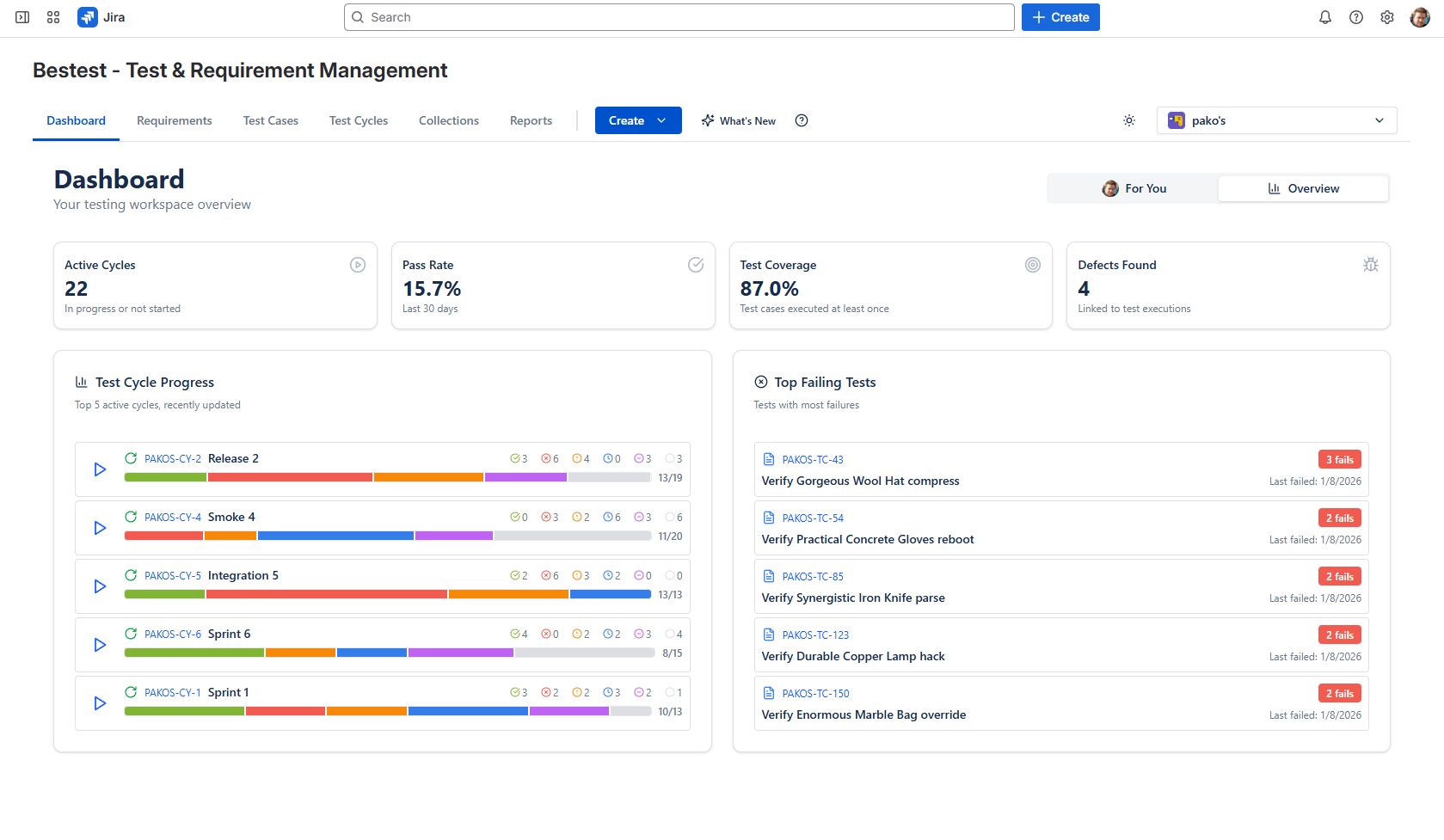
No login, no signup. The real app with sample projects, ready to click through.
The demo is a full desktop app - it works here, but it shines on a bigger screen.
Walk the full loop
The sandbox comes seeded with requirements, test cases, and finished test cycles, so every screen has something real on it. To see what BesTest actually does, walk one requirement all the way from written to proven - about five minutes:
Create a requirement
Add a requirement and set how much it matters. Its significance (dev complexity x impact) decides how much test coverage it needs to count as covered.
Write a test case
Classic steps or BDD, organized in folders. Create one from scratch or copy one of the seeded ones.
Connect them
Link your test case in the requirement's Coverage section and watch the coverage status react.
Run the test
Add it to a test cycle and execute it in the TestPlayer - record pass or fail as you click through the steps.
Explore the reports
Open execution progress and the traceability matrix. Your run lands next to the seeded history, so the charts are already alive.
Open the work item panel
Use the screen switcher at the top to open a Jira work item - the BesTest panel shows its tests and coverage right on the story, where developers see it.
How this demo works
The real product, not a video
This is the same app you get from the Atlassian Marketplace. Only Jira itself is simulated: the work items and users around it are sample data, everything else is live.
One shared sandbox
Everyone explores the same environment, so you may spot things other visitors created. Feel free to add your own - just keep confidential data out of it.
Reset now and then
We periodically restore the sandbox to its seeded state, so nothing you do here is permanent and the demo stays tidy for the next visitor.
Demo FAQ
Is the demo free? Do I need an account?+
Yes, completely free - no account, no login, no email. Click launch and the app opens with sample data ready.
Is this the real BesTest?+
Yes. It is the same application that installs into Jira from the Atlassian Marketplace. The only difference is that Jira is simulated here, with sample work items and users, so you can try everything without connecting a real site.
Will my changes be saved?+
For a while. The demo is a shared sandbox that everyone explores together, and we periodically reset it to a clean seeded state. Treat it as a playground, and do not paste anything confidential into it.
What is different when BesTest runs in my Jira?+
Inside Jira, BesTest appears in the Apps menu and your project navigation, and works with your real work items instead of sample ones - requirements link to actual stories and bugs. Enabling it on a project takes about a minute.
How do I get BesTest in my own Jira?+
Install it from the Atlassian Marketplace. It is free for teams up to 10 users, with all features included.