

Security Testing Management in Jira
Organize and track security test cases and vulnerability verification
Security testing verifies applications are protected against threats and vulnerabilities. BesTest helps you manage security test cases, track remediation, and maintain compliance documentation in Jira - keeping auditors satisfied and data safe.
Try BesTest FreeThe Challenge
Security testing requires management discipline beyond standard QA:
- •Achieving comprehensive coverage across authentication, authorization, encryption, and input validation
- •Aligning tests with OWASP Top 10, SOC 2, HIPAA, or PCI DSS frameworks
- •Tracking vulnerability remediation from discovery through fix to verified closure
- •Maintaining an audit trail proving tests were executed and results acted upon
How BesTest Helps
BesTest supports security testing in Jira with compliance-ready traceability, linking tests to security requirements, defects, and framework controls.
Security Requirements
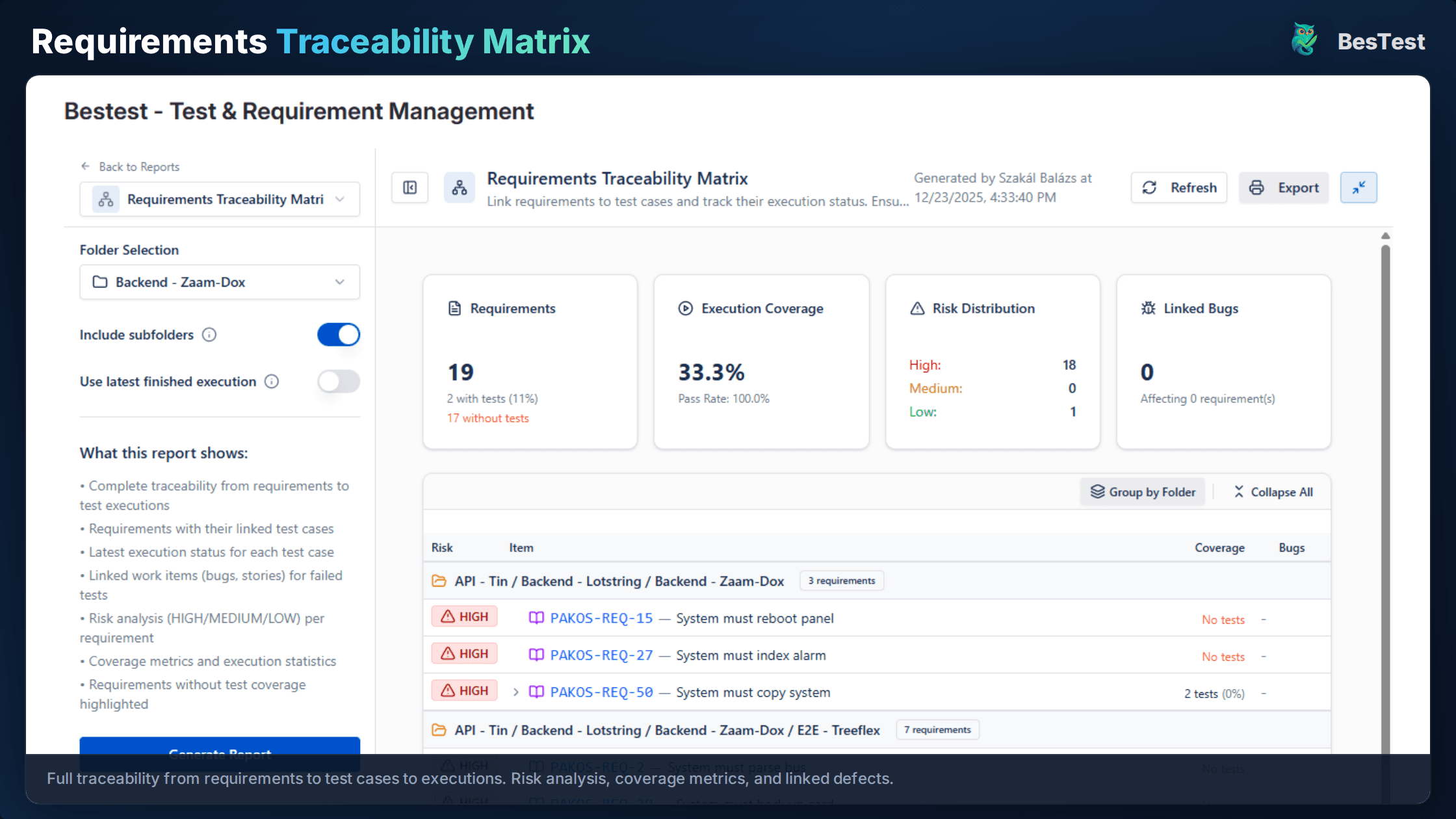
Create requirements for security controls and map them to compliance frameworks like OWASP or PCI DSS. The traceability matrix shows which controls are verified.
OWASP-Aligned Tests
Organize tests by OWASP categories or security domains. Demonstrate compliance coverage to auditors who think in framework terms.
Vulnerability Tracking
Link tests to security defects and track the fix-verify-close cycle. Linked tests make it clear what to retest after remediation.
Compliance Documentation
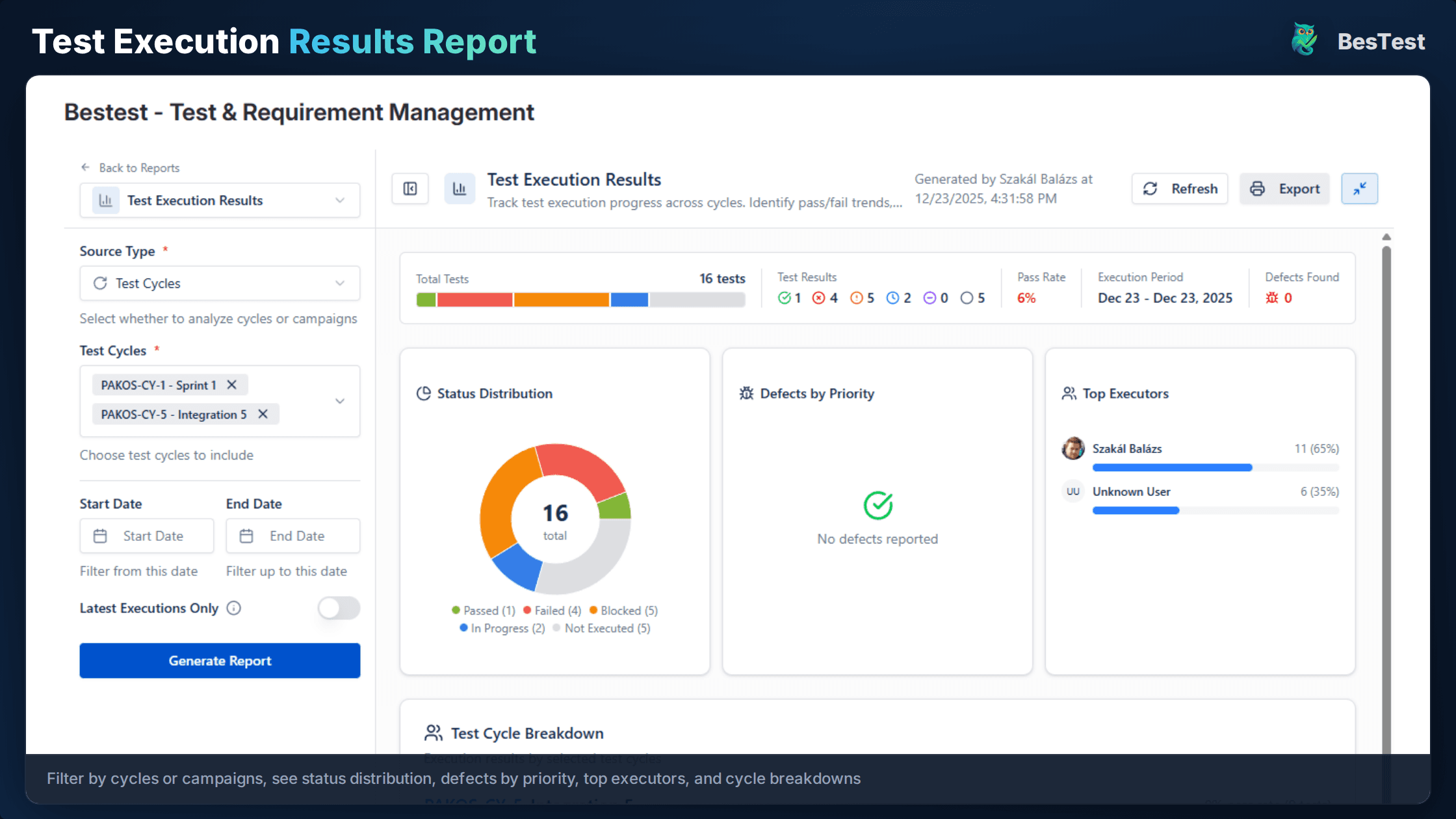
Maintain audit-ready test documentation with complete execution history - who tested, when, results, and actions taken on failures.
Review Workflow
Security tests go through review before execution. Catch incorrectly written tests that could give false confidence in security posture.
Risk-Based Prioritization
Tag tests with risk levels from your threat model. Use Smart Collections to prioritize high-risk tests for every release.
Penetration Test Coordination
Plan and track penetration testing engagements. Link pen test findings to security test cases for a unified view of coverage.
Free for teams up to 10 users. Installs in under a minute.
Get StartedKey Benefits
How to Implement
Define Security Requirements
Document security requirements in BesTest and map each to compliance controls (OWASP, PCI DSS, HIPAA). Involve your security architect for completeness.
Create Security Test Cases
Write tests for authentication, authorization, input validation, and encryption. Include both positive (access allowed) and negative (access denied) scenarios.
Organize by Framework
Create folders in BesTest aligned with OWASP Top 10 or your security framework. Within each category, organize by application module.
Execute and Document
Run security tests and document findings thoroughly. Import automated scan results into BesTest so all security evidence lives in one place.
Track Remediation
Link security defects to the tests that found them. Re-execute relevant tests after each fix to verify remediation before closing vulnerabilities.

Best Practices
- •Align tests with OWASP Top 10 for systematic coverage of known threat categories
- •Document exact reproduction steps including payloads, headers, and tool configs
- •Include both positive and negative tests for every security control
- •Retest all security fixes before closing - partial fixes get re-exploited
- •Schedule security testing as recurring, not just a one-time pre-release gate
Ready to Improve Your Security Testing Management?
Start running Security Testing Management cycles in Jira today. Free for up to 10 users.
Try BesTest FreeRelated Use Cases
Regression Testing in Jira
Automate your regression test cycles with smart collections and traceability
API Testing Management in Jira
Organize, execute, and track API test cases alongside your functional tests
Test Case Review Workflow
Implement quality gates for test cases with built-in review and approval